
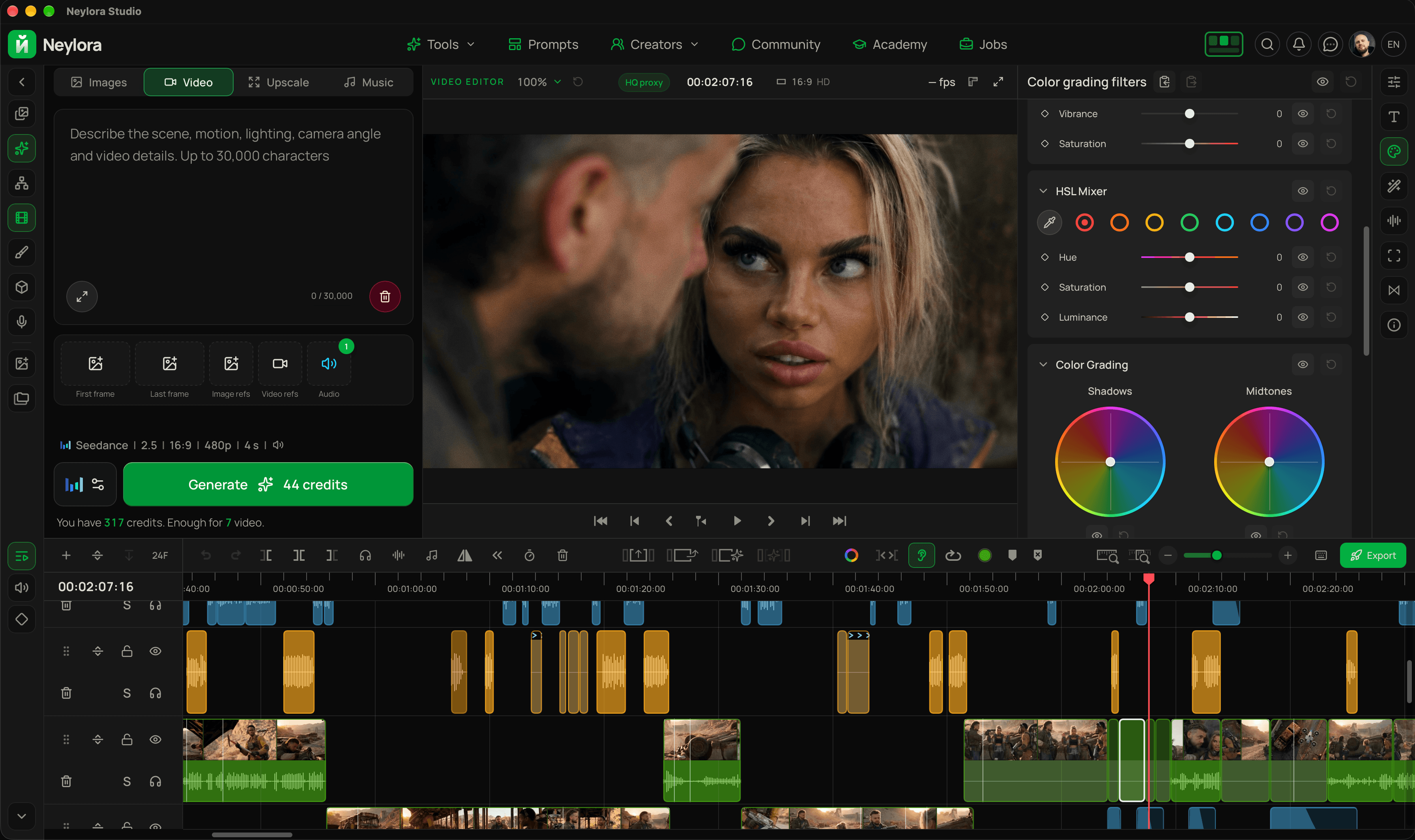
Neylora AI studioEditing and generation in one app.
Write prompts with AI, generate video, and edit with color grading and effects in one app.
Generate
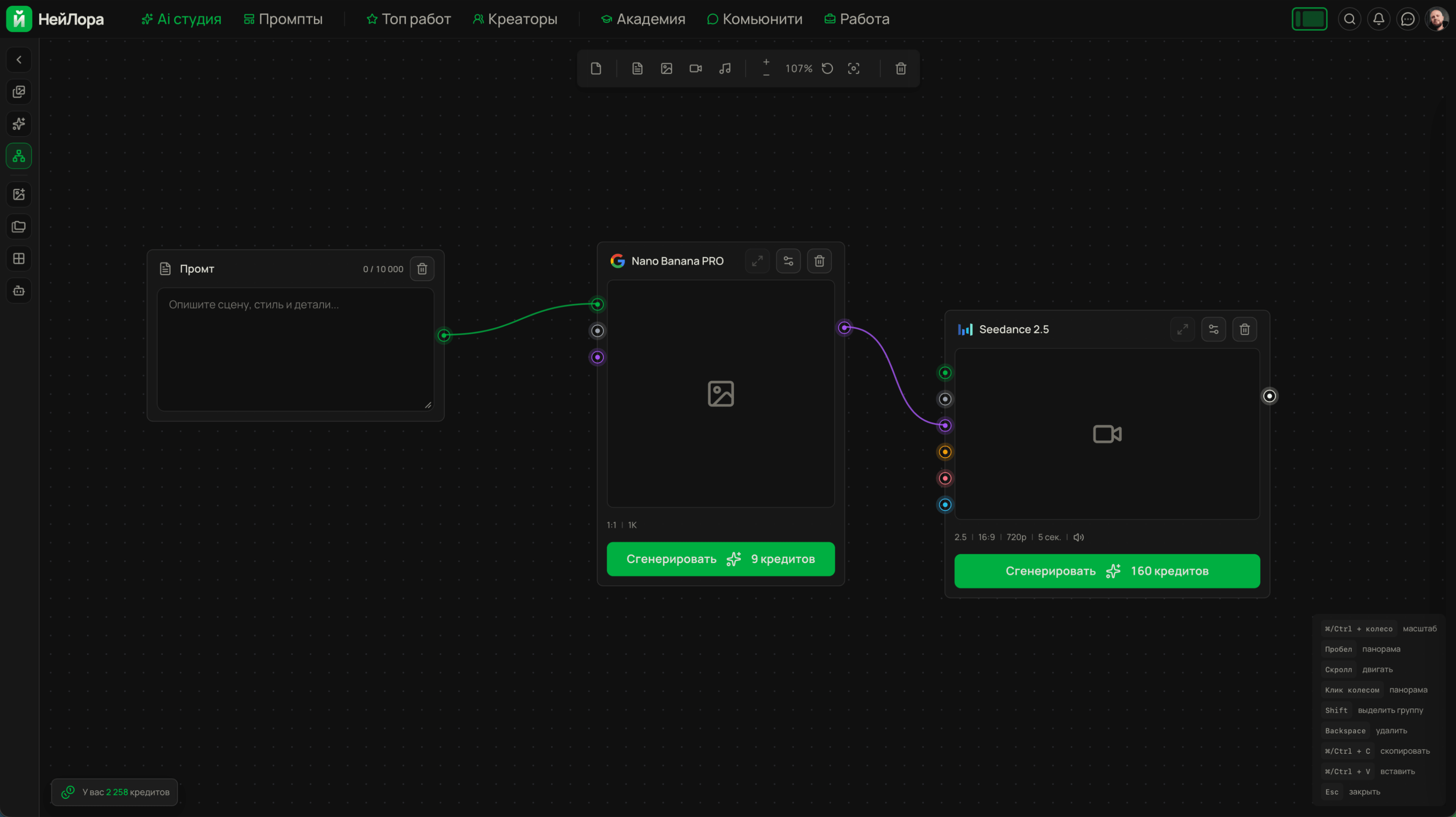
Two ways to create: a simple panel or a node-based canvas.
 Nano Banana
 Seedream
 GPT Image
 MidjourneySeedance
 KlingVeo
 Grok
Grok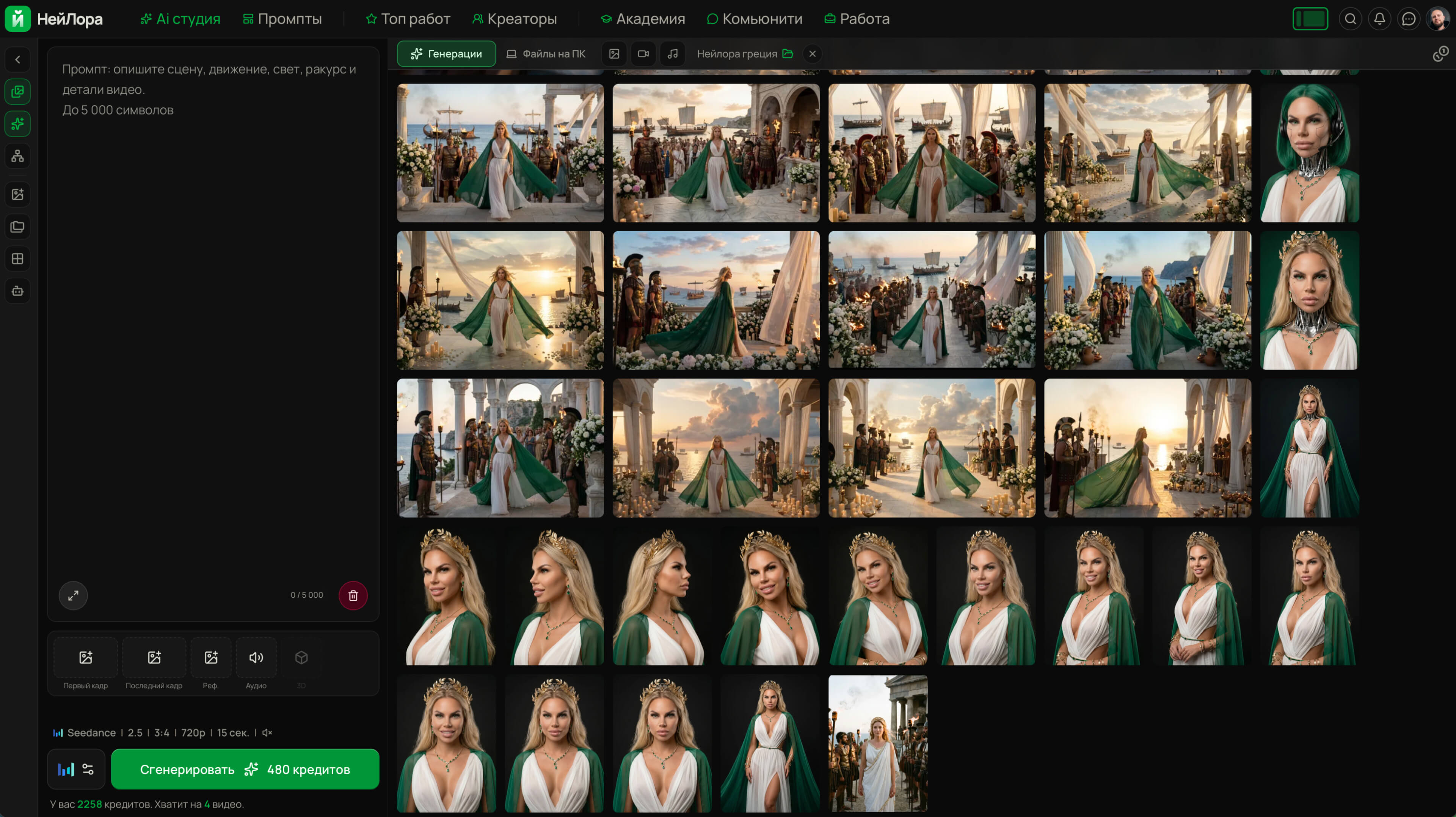
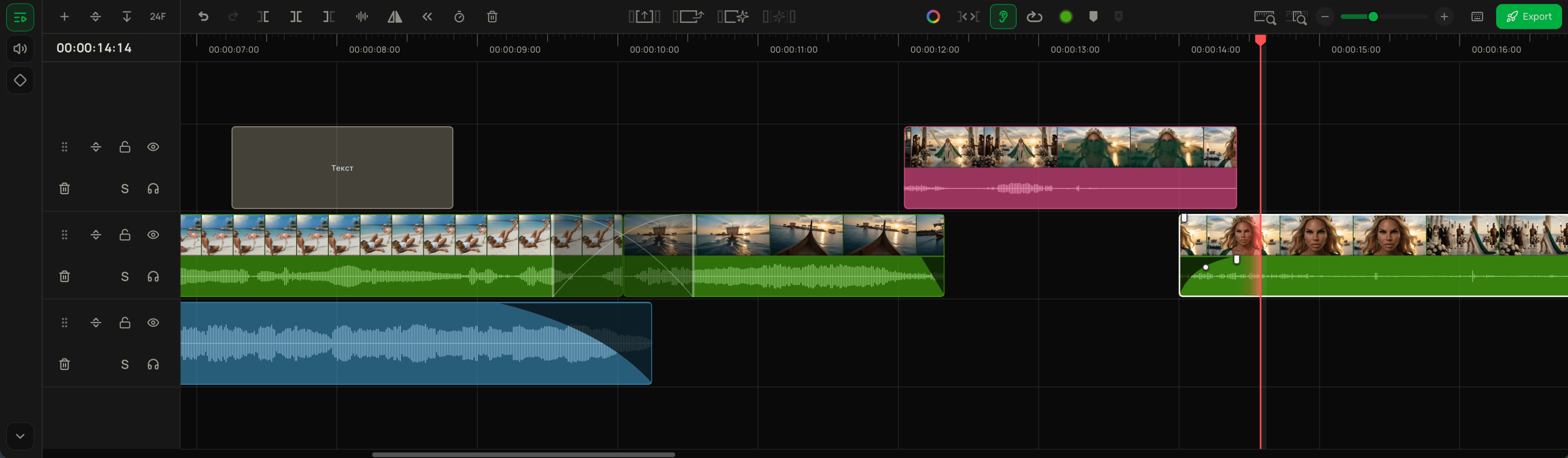
Full-featured timeline
Ripple editing, trimming, audio tools, and the familiar features of professional video editors.
4 workspace layouts
Switch instantly with keyboard shortcuts.
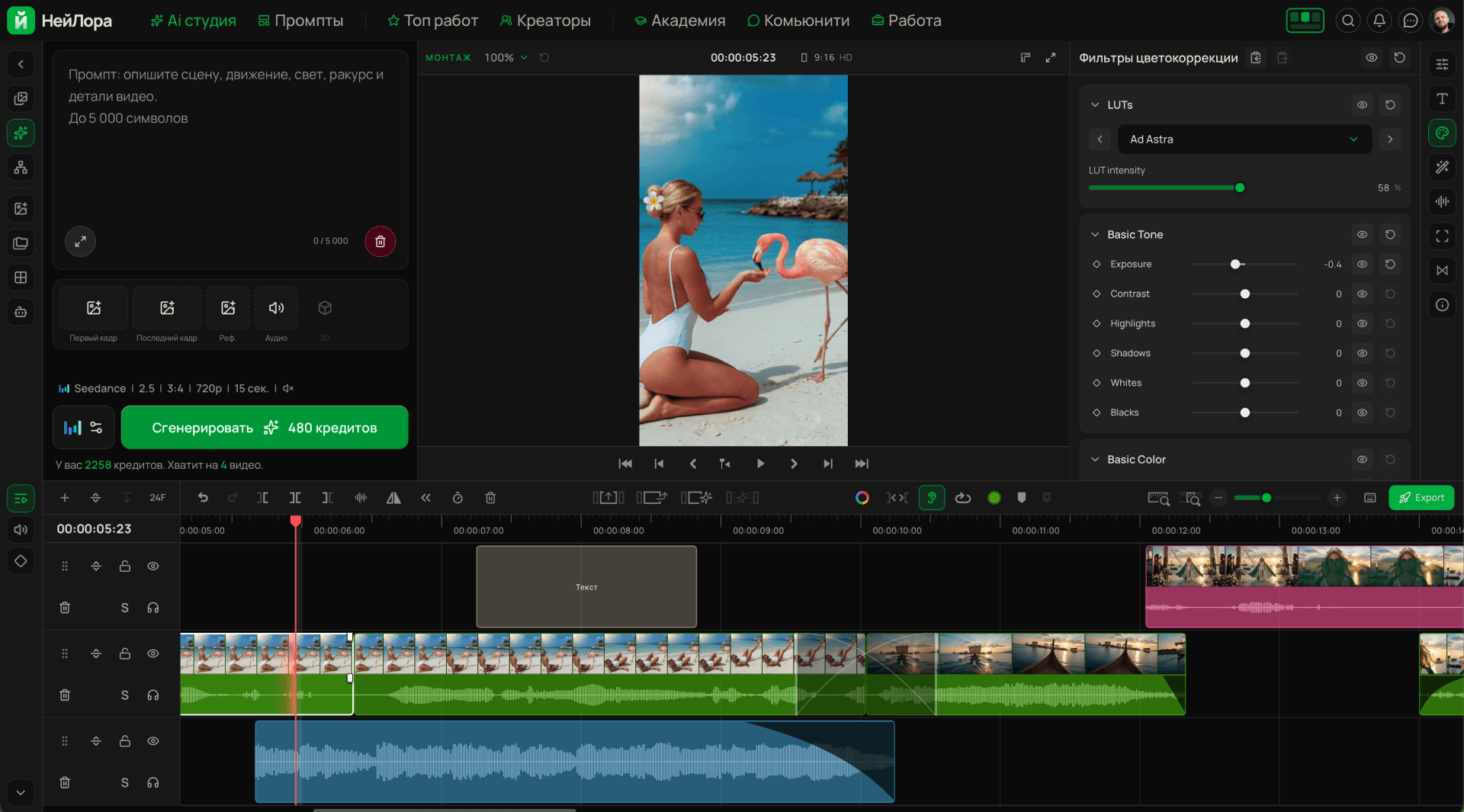
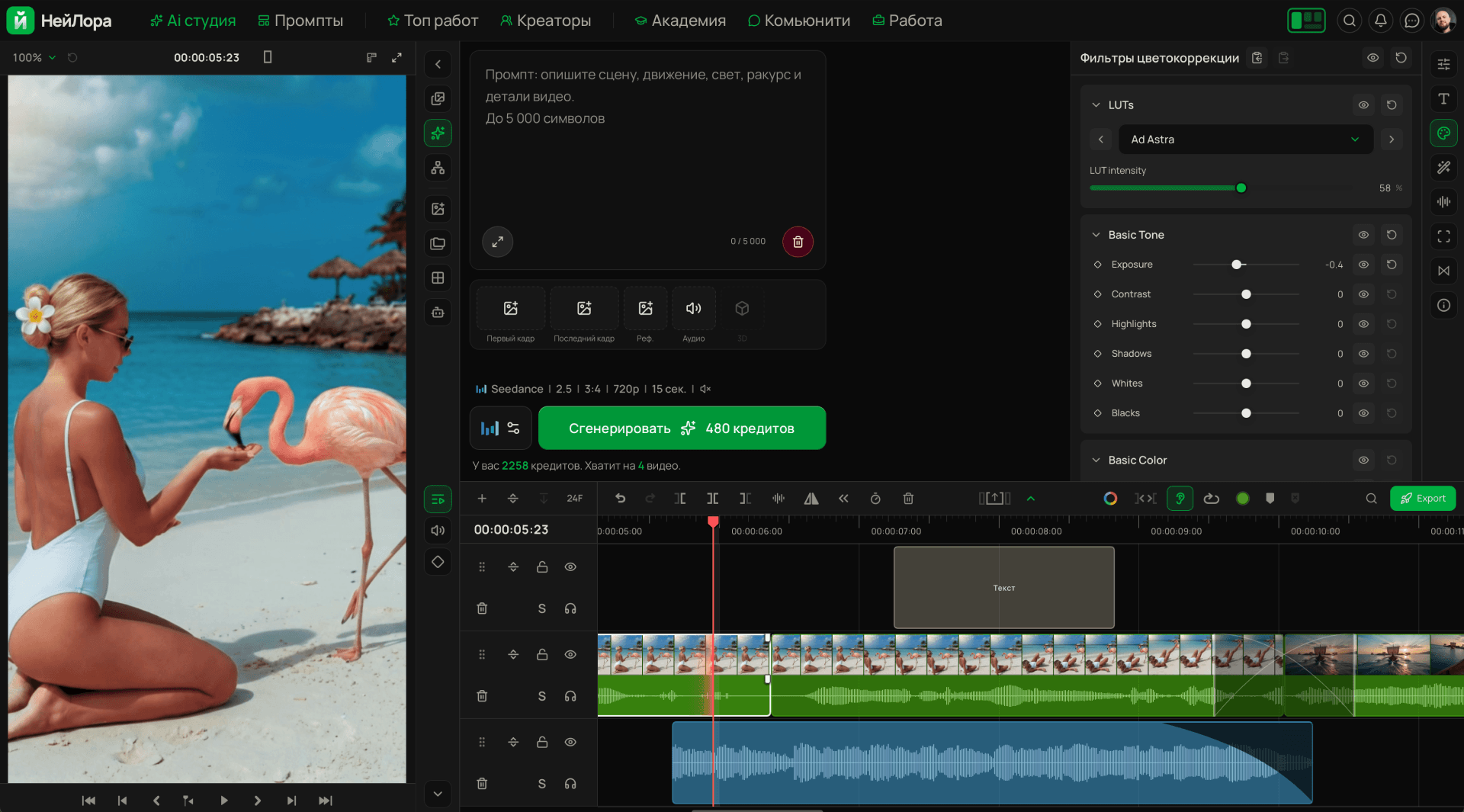
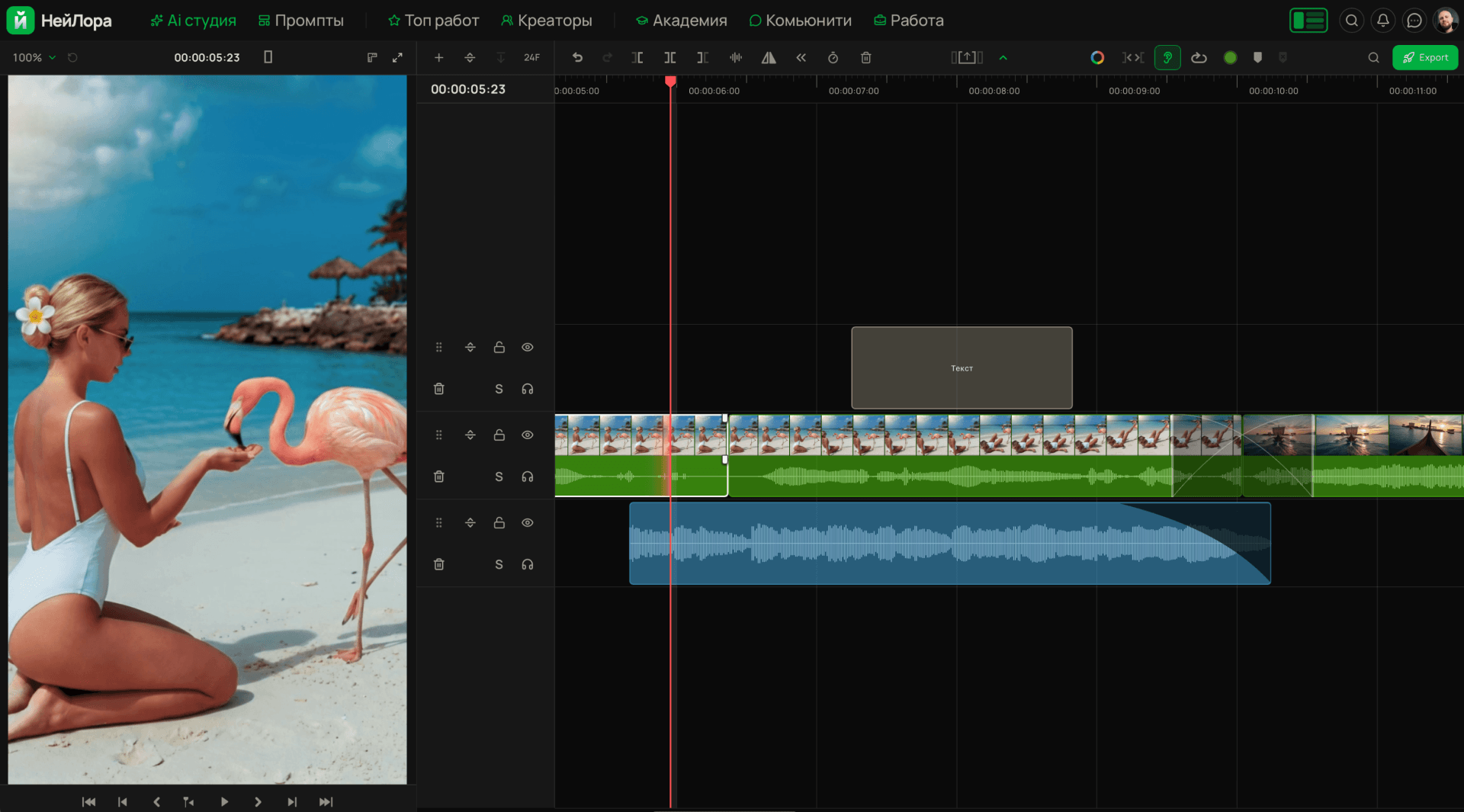
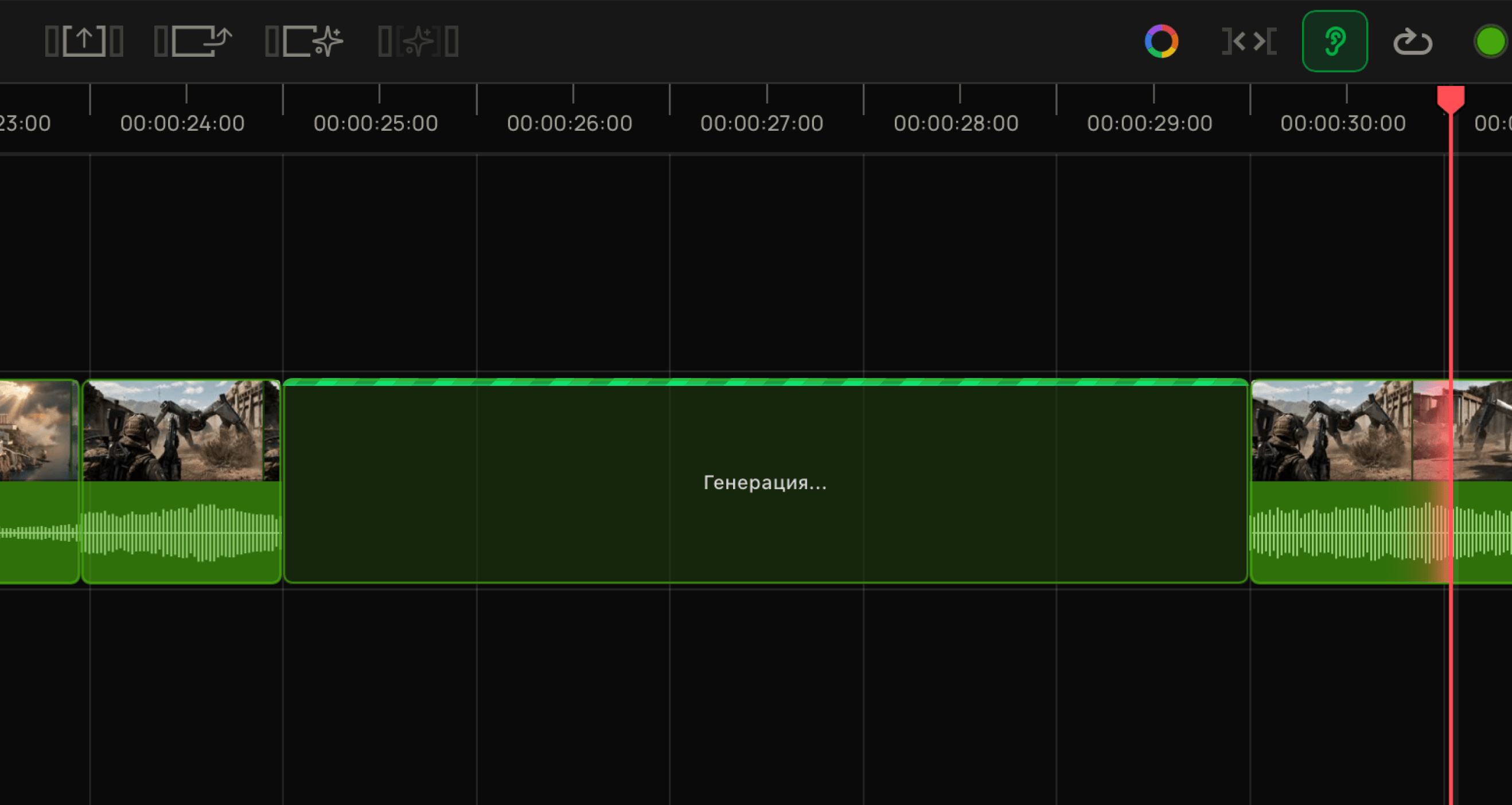
Generate transitions directly on the timeline
Generate between the first and last frames in a gap between clips.
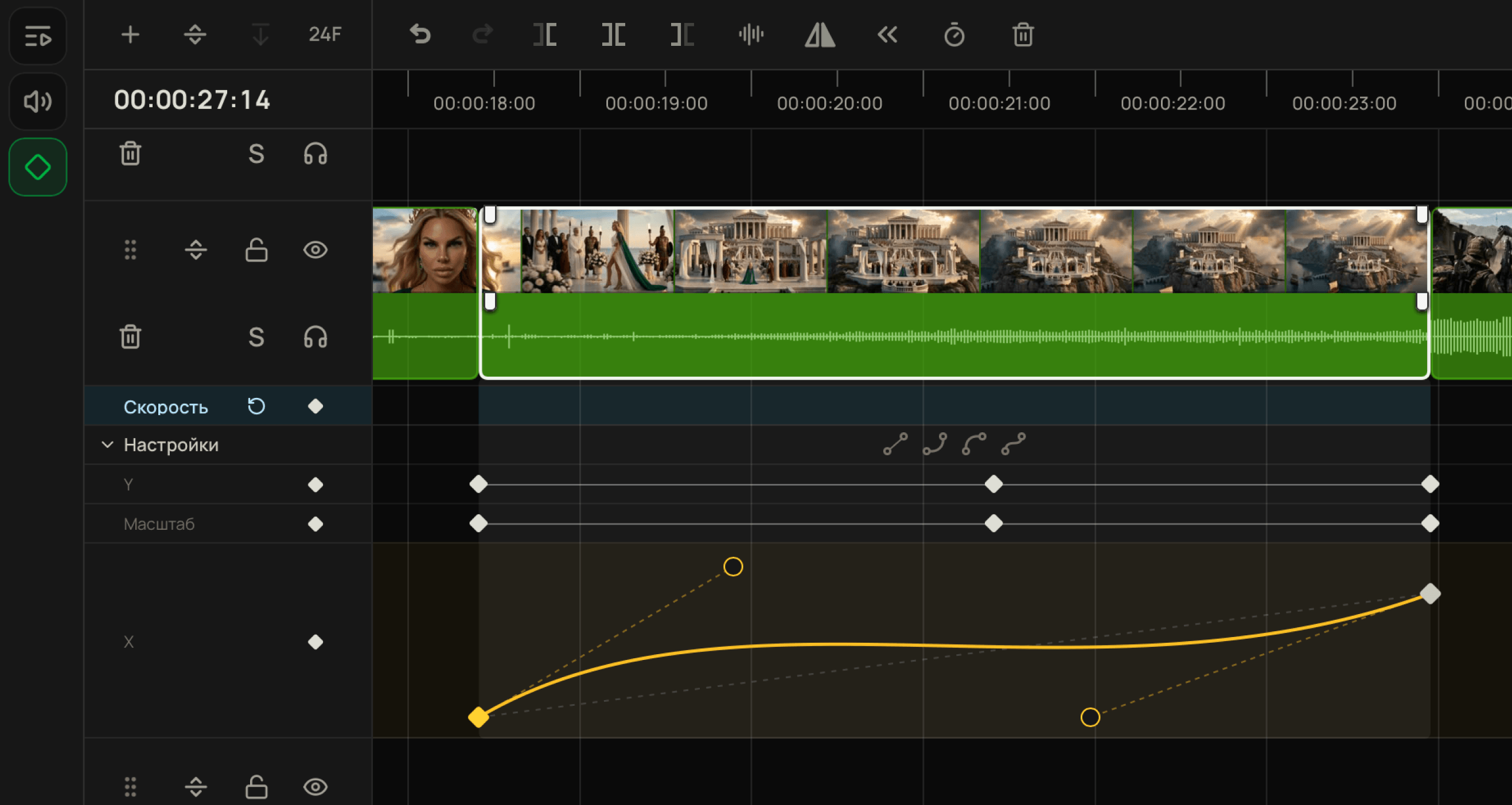
Keyframes
Keyframes with easing for all settings and effects.
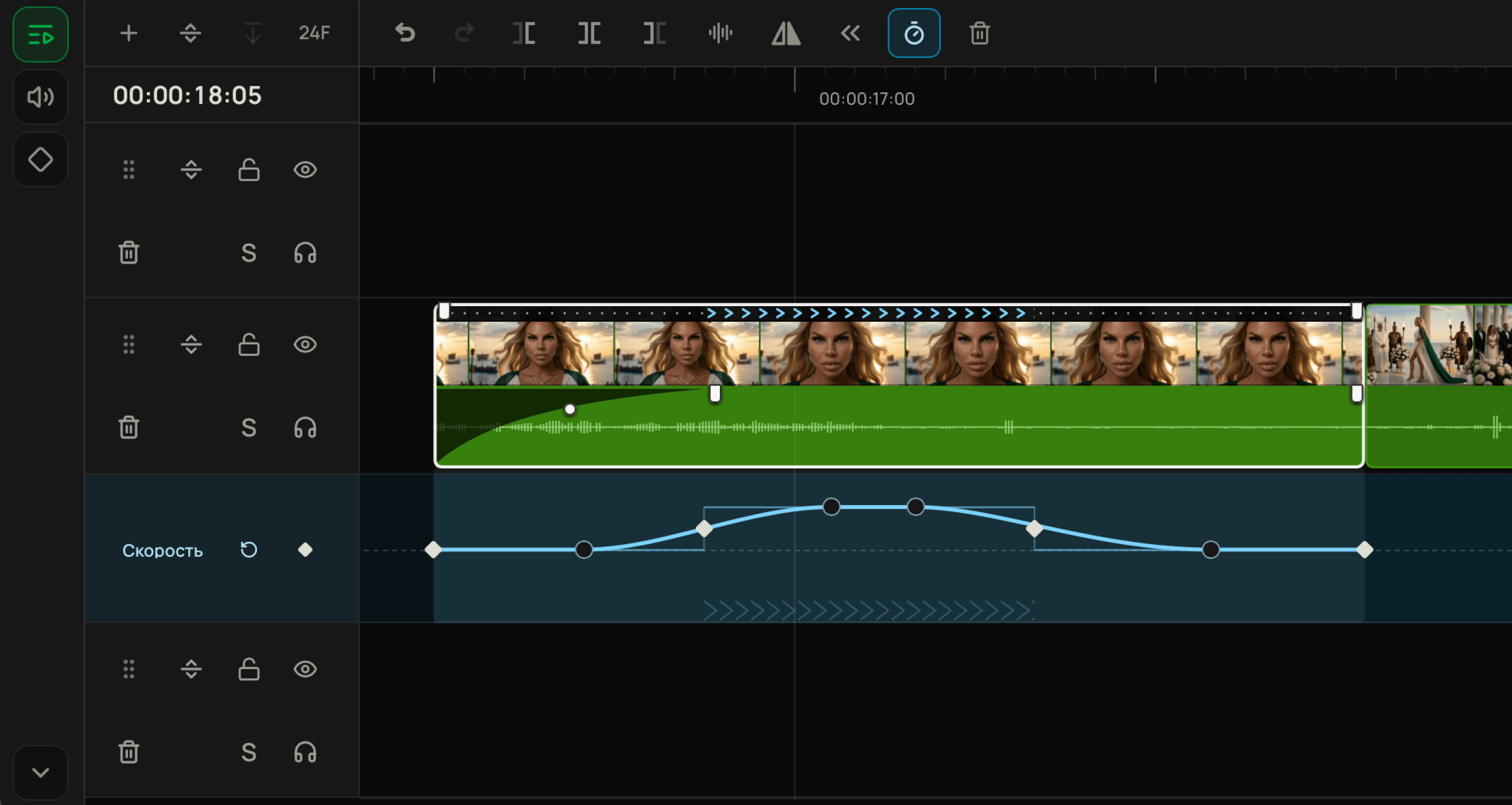
Speedwarp
Variable speed for each clip using keyframes with easing.
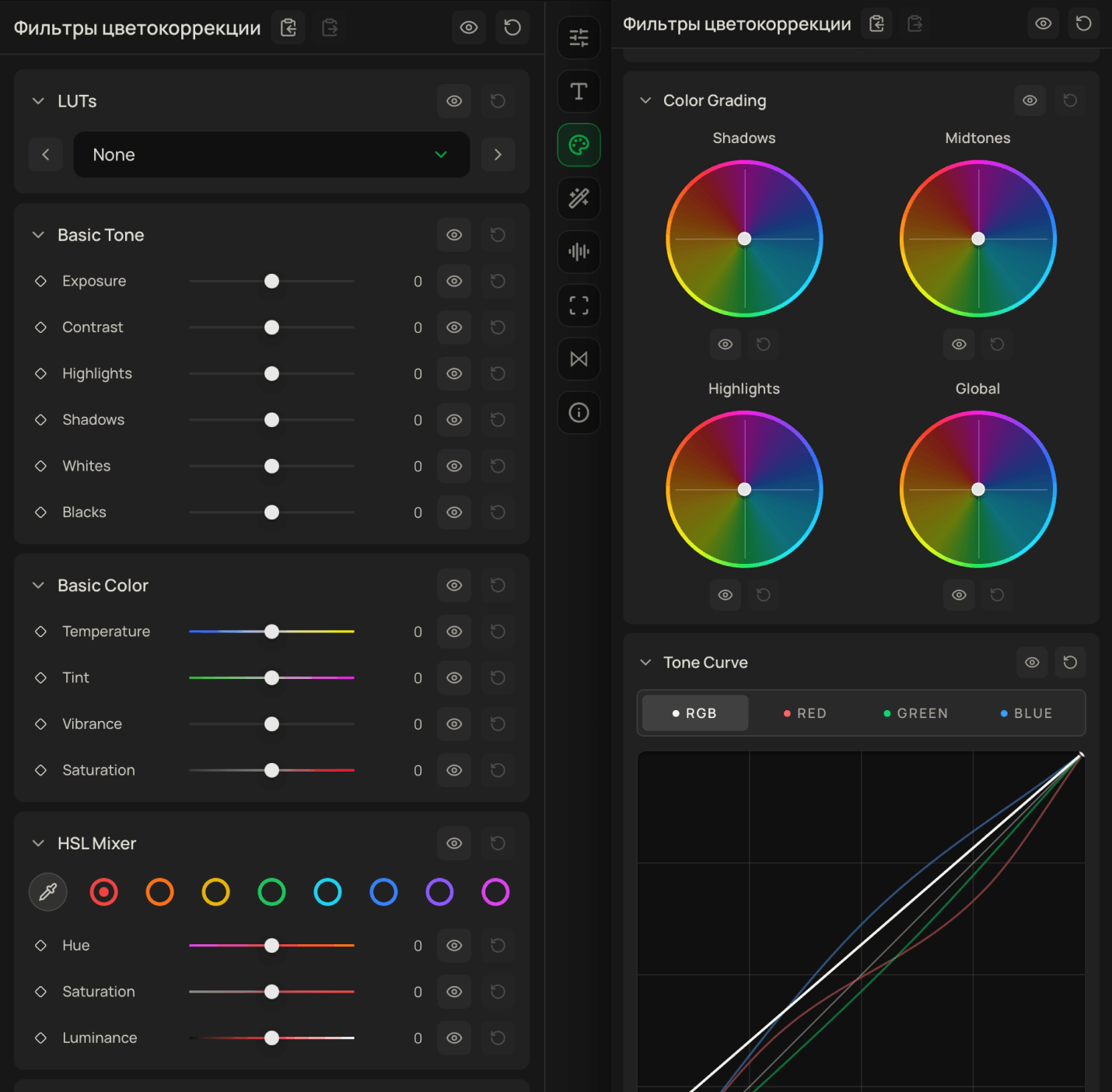
LUTs and color grading
Classic color adjustments, curves, HSL, and dozens of cinematic LUTs.
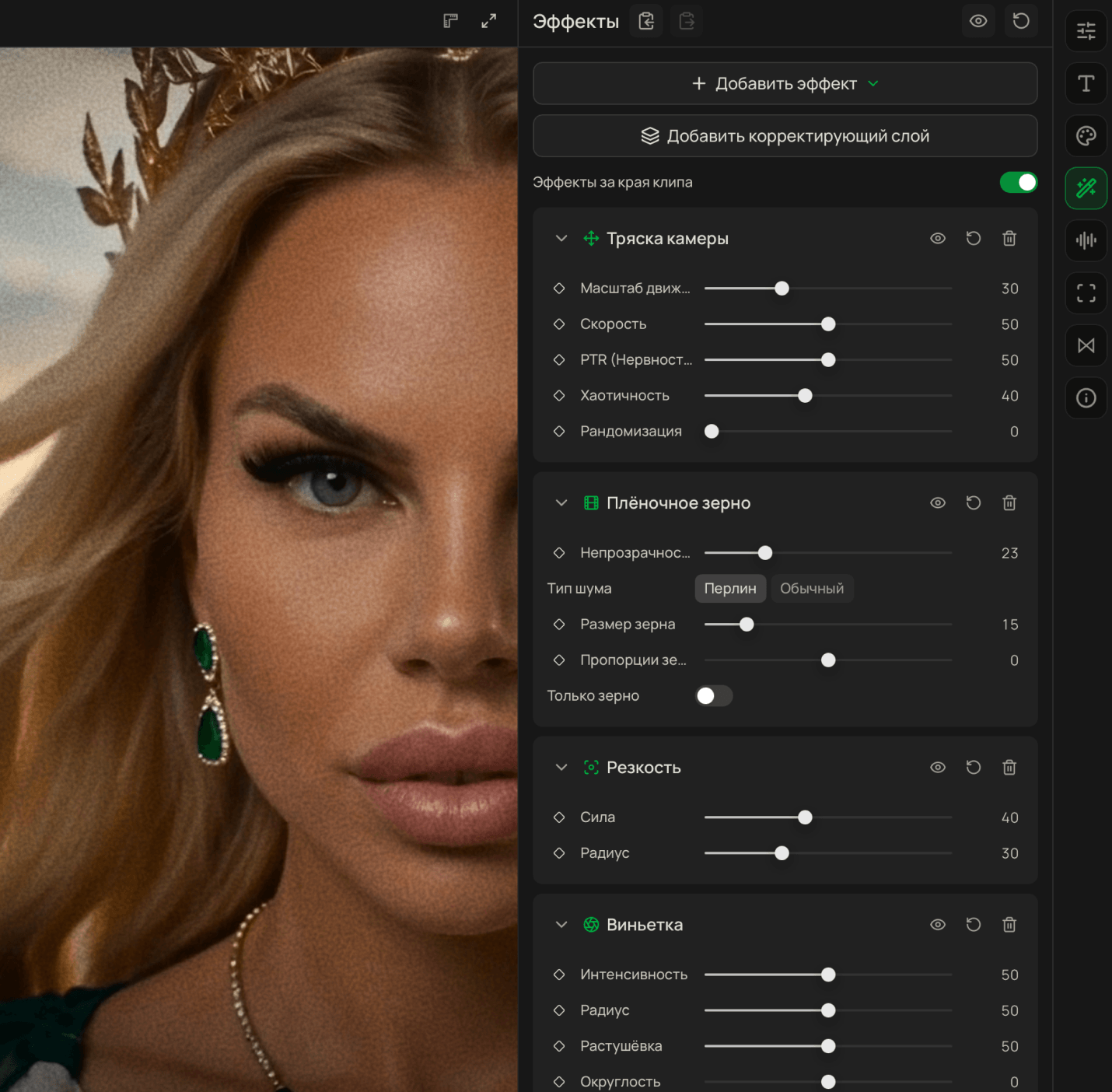
DaVinci Resolve-style effects
Film grain, camera shake, glitch, and more.
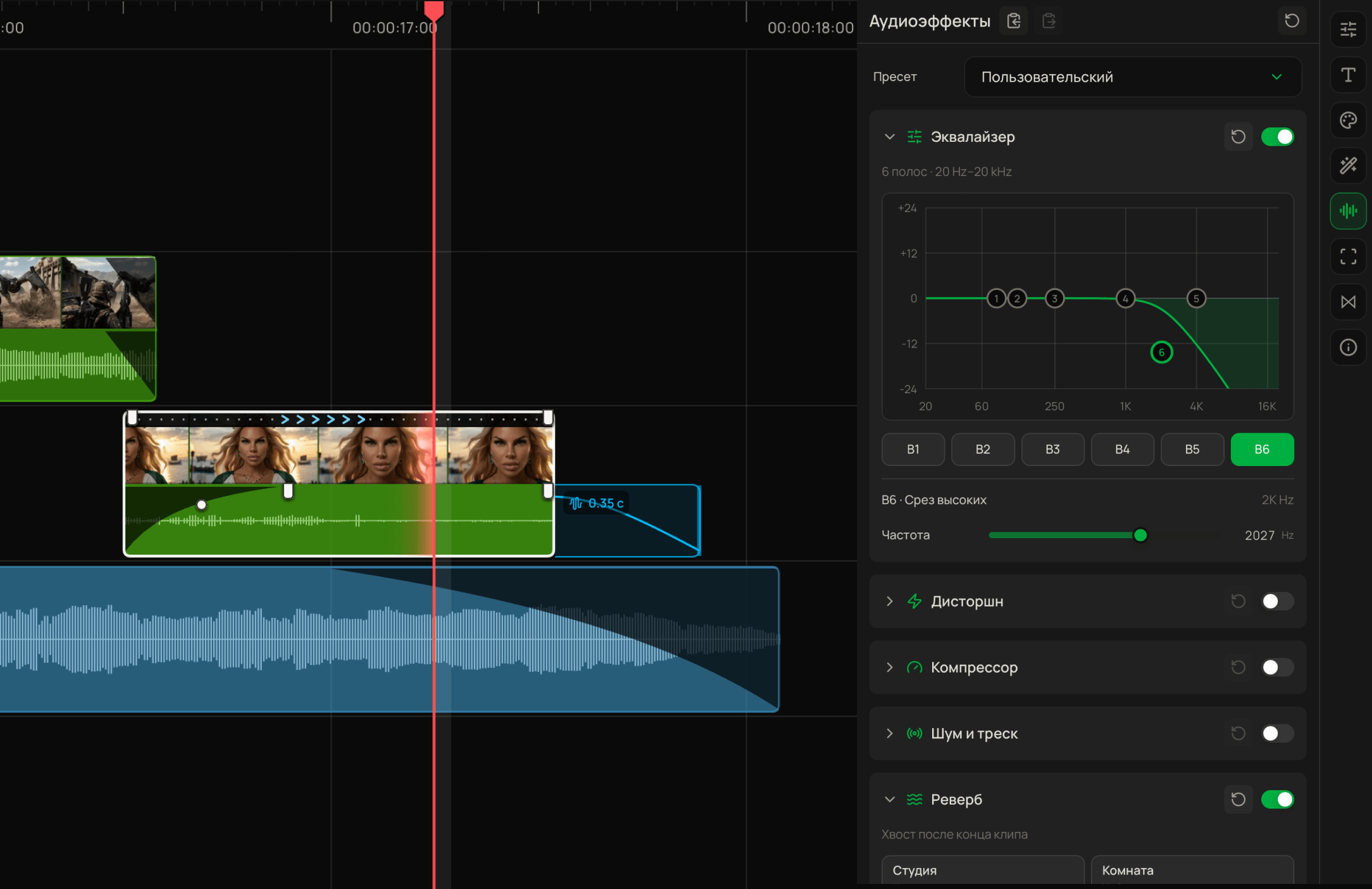
Audio editing
Reverb made simple — just drag the audio tail. Equalizer and other classic audio controls.
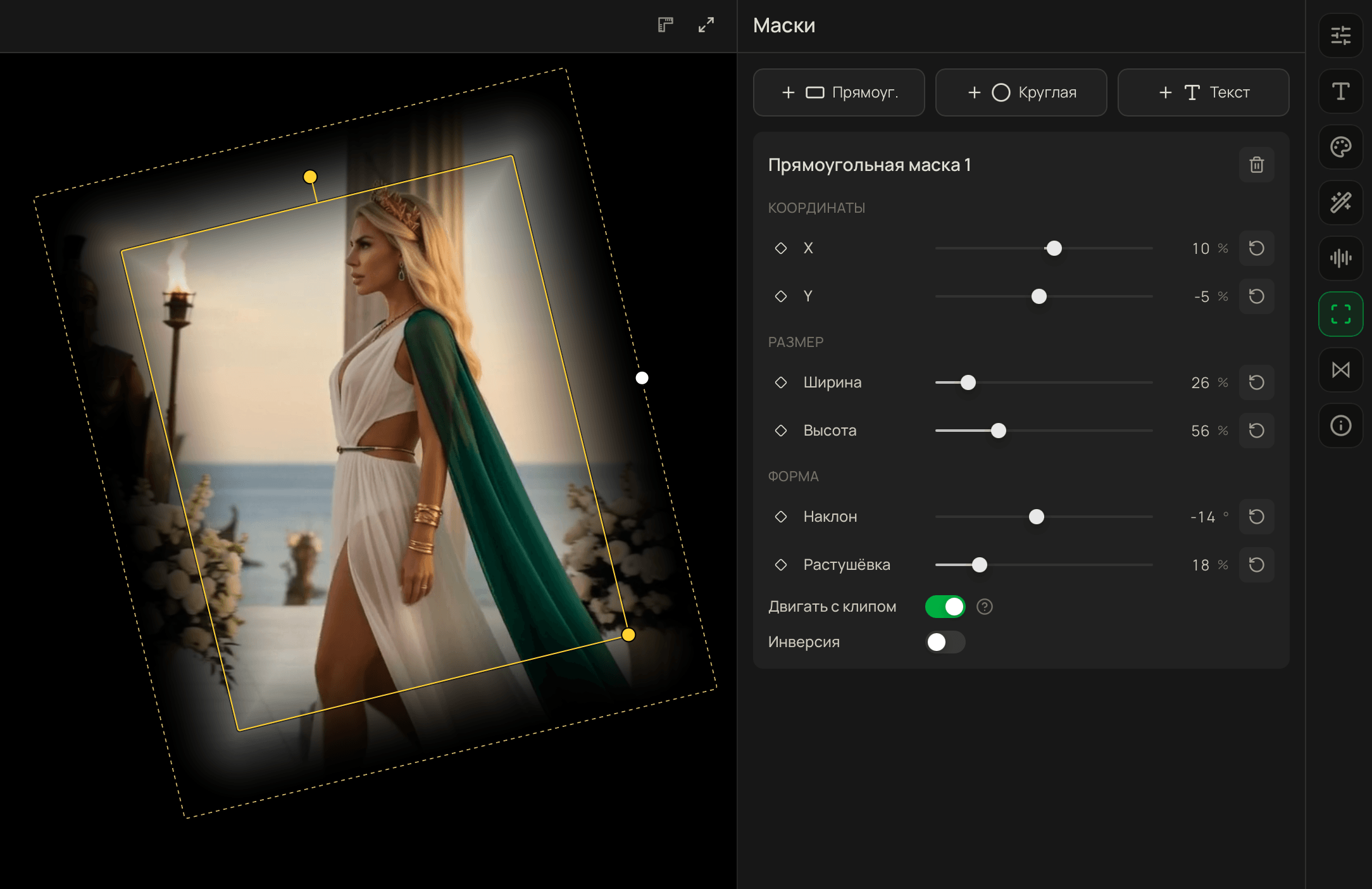
Masks
Adjust mask shape and feathering with ease. Animate every parameter with keyframes.
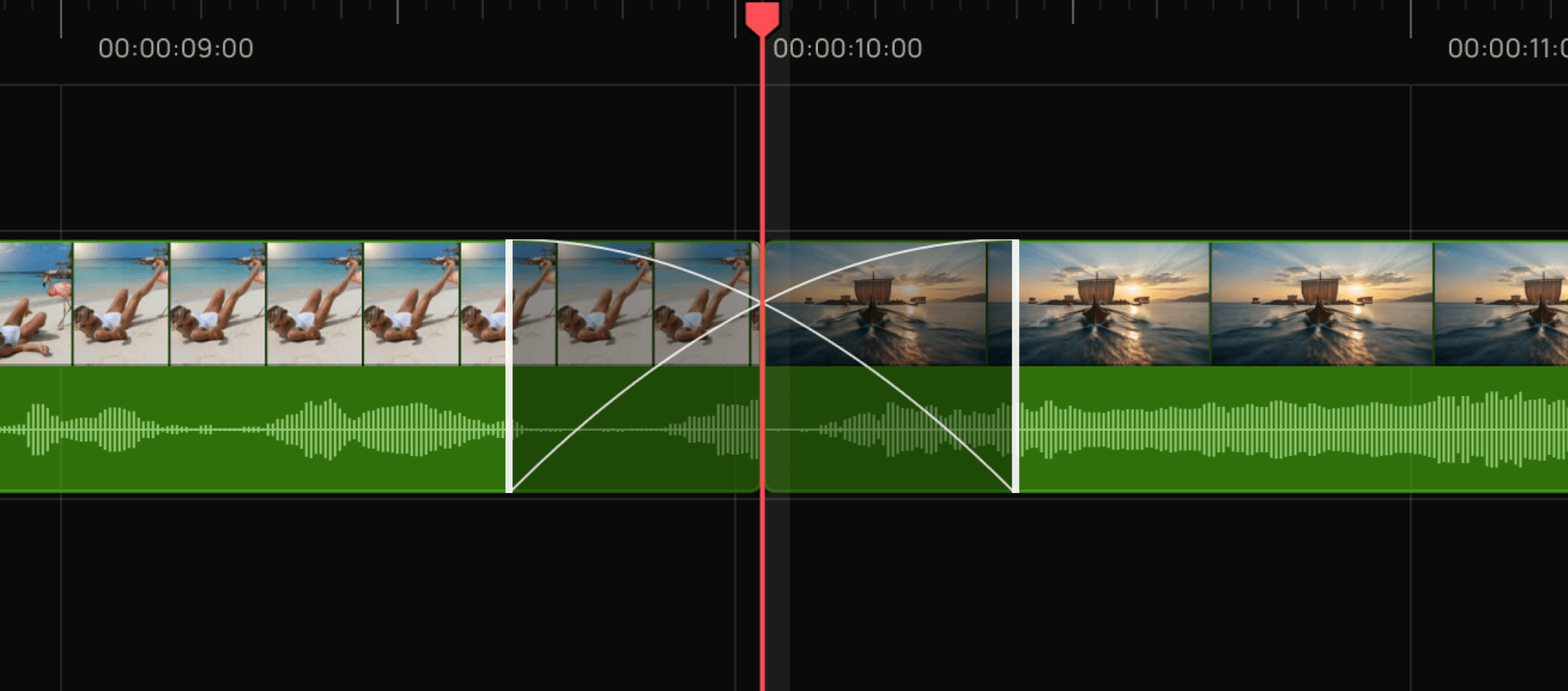
Transitions between clips
Cross dissolve, crossfade, zoom, and more.
The editing studio is completely free.Credits are only needed for generation.